Organize submission work
Prepare the required invoice information and submit selected invoices through configured connectivity.

INVOICES / SUBMISSIONS / STATUS
FBR Digital Invoicing
Connect your invoicing workflow with FBR Digital Invoicing to organize submissions, responses and pending records.

Prepare the required invoice information and submit selected invoices through configured connectivity.
Review pending, submitted and unsuccessful records alongside their returned responses.
Identify unsynced invoices, correct unsuccessful records and use the available resubmission workflow.
INSIDE THE SOFTWARE
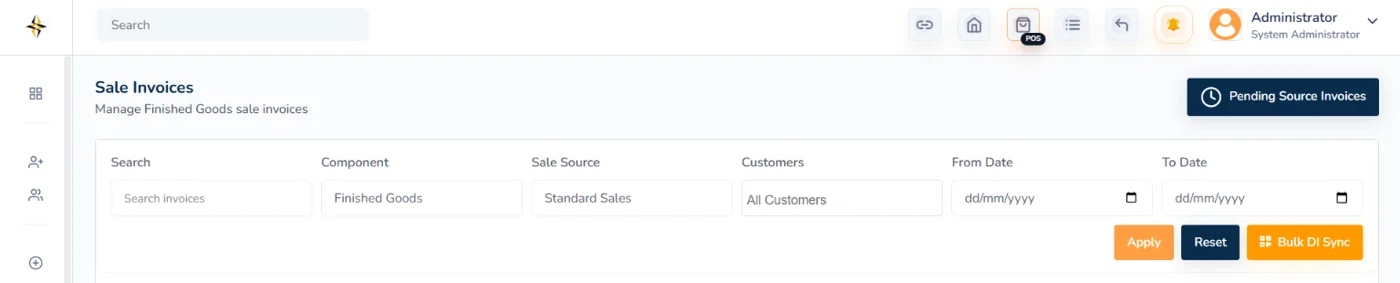
An actual Digitalso interface preview. Request a walkthrough to review your specific workflows and configuration.
THE ACTUAL WORKFLOW
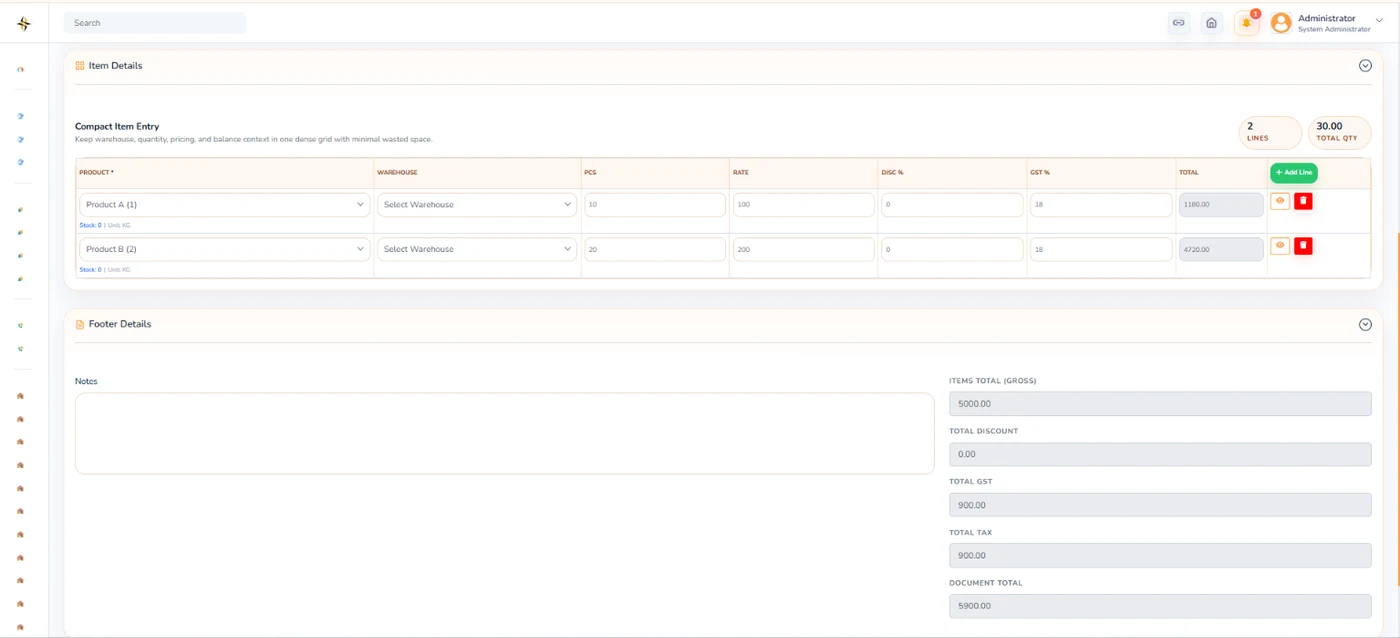
Original Digitalso screens from the relevant workflow. Open an image to inspect it at full size.
 View full screen
Actual Digitalso prepared sale invoice interface
DIGITAL INVOICING / THE WORKFLOW ECOSYSTEM
Explore invoice preparation, configured submission, response tracking and the records your team needs to follow up.
Discuss your invoicing setup ↗ Federal Board of Revenue ↗
 Pakistan Revenue Automation ↗
Organization names and logos identify the referenced invoicing ecosystem. They do not imply Digitalso certification, licensed-integrator status or endorsement.
THE DETAILS THAT MATTER
Explore the core capabilities. Configuration and implementation details are agreed around your requirements.
Maintain the invoice information required for submission.
Submit invoices through configured FBR connectivity.
Send selected invoices for processing.
Process multiple invoices through the available bulk workflow.
Review whether invoices are submitted, pending or unsuccessful.
View FBR responses and submission errors.
Identify invoices that still require synchronization.
Correct unsuccessful records and submit them again.
Retain returned FBR references against relevant invoices.
A CLEAR WAY FORWARD
YOUR QUESTIONS
Need to check a specific requirement? Let’s review it in your demo.
The solution includes bulk synchronization as well as individual submission. The exact workflow depends on your configured connectivity and agreed implementation.
No. This page describes software workflows. Your registration, applicable requirements, credentials and configuration need separate review before implementation.
CONNECT THE NEXT PART
LET’S BUILD SOMETHING USEFUL
Share your requirements. We’ll help you find the right starting point.